About Course
Course Overview
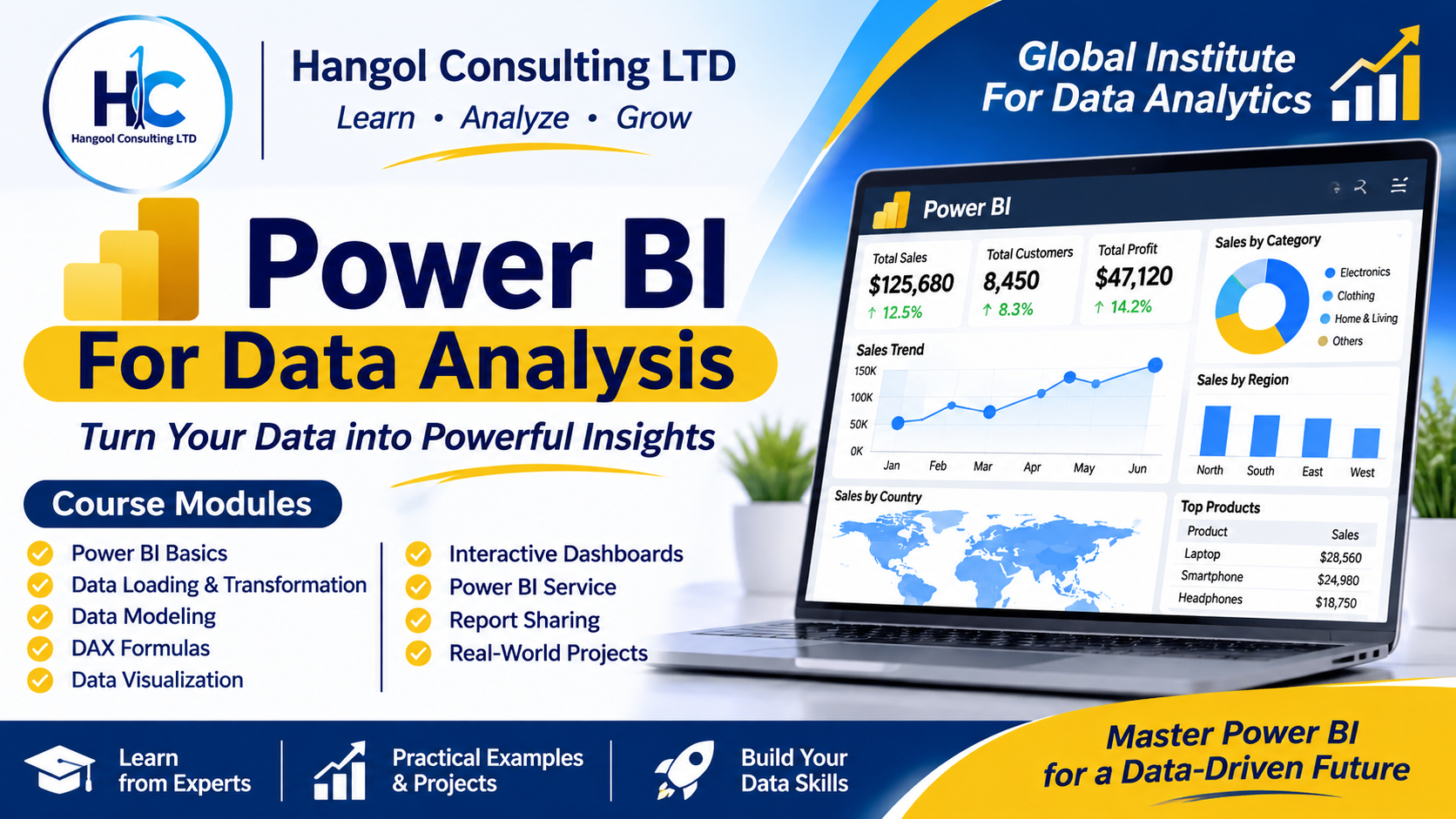
This course provides practical, hands-on training in Microsoft Power BI for Data Analysis and Business Intelligence (BI). Participants will learn how to collect, clean, transform, analyze, and visualize data to generate meaningful business insights and support effective decision-making.
The course focuses on real-world projects, interactive dashboards, data modeling, DAX calculations, and professional reporting techniques. By the end of the training, participants will be able to transform raw data into meaningful insights and present findings through dynamic and interactive Power BI dashboards.
2. What You Will Learn
By completing this course, participants will learn how to:
Introduction to Power BI – Understand Power BI, its components, and applications in business intelligence.
Data Importation – Connect Power BI to Excel, CSV, SQL databases, and other data sources.
Data Cleaning and Transformation – Use Power Query to clean, organize, and prepare datasets.
Data Modeling – Create relationships between tables and develop effective data models.
DAX Fundamentals – Understand and apply Data Analysis Expressions (DAX), including calculated columns, measures, and functions.
Data Visualization – Create professional charts, graphs, tables, and interactive reports.
Dashboard Development – Design dynamic and interactive business dashboards.
Business Intelligence and Analysis – Analyze business performance, identify trends, and generate actionable insights.
Power BI Service – Publish, share, and manage reports online.
Practical Projects – Develop real-world dashboards for sales, finance, HR, and other business operations.
3. Target Audience
This course is designed for:
University students and graduates.
Data analysts and aspiring data analysts.
Business intelligence professionals.
Researchers and academic professionals.
Monitoring and Evaluation (M&E) officers.
Finance and accounting professionals.
Business owners and entrepreneurs.
Managers and decision-makers.
Excel users who want to advance their data analysis skills.
Anyone interested in learning data visualization and business intelligence.
Course Content
Module one : Introduction to Power bi
Lesson One : Introduction Of Power bi
08:52Lesson Two : Download Power bi
01:18Lesson Three: Installation Of Power bi
06:35Lesson Four : create user in power service
13:24
Module Two: Data Analysis and Business Intelligence -collect And Import
Module Three : Power Query , Pre , Clean And Shape Data
Module Four : Power bi Visuals
Module Five : Data Modelling in power bi
Real Project
Power bi service report
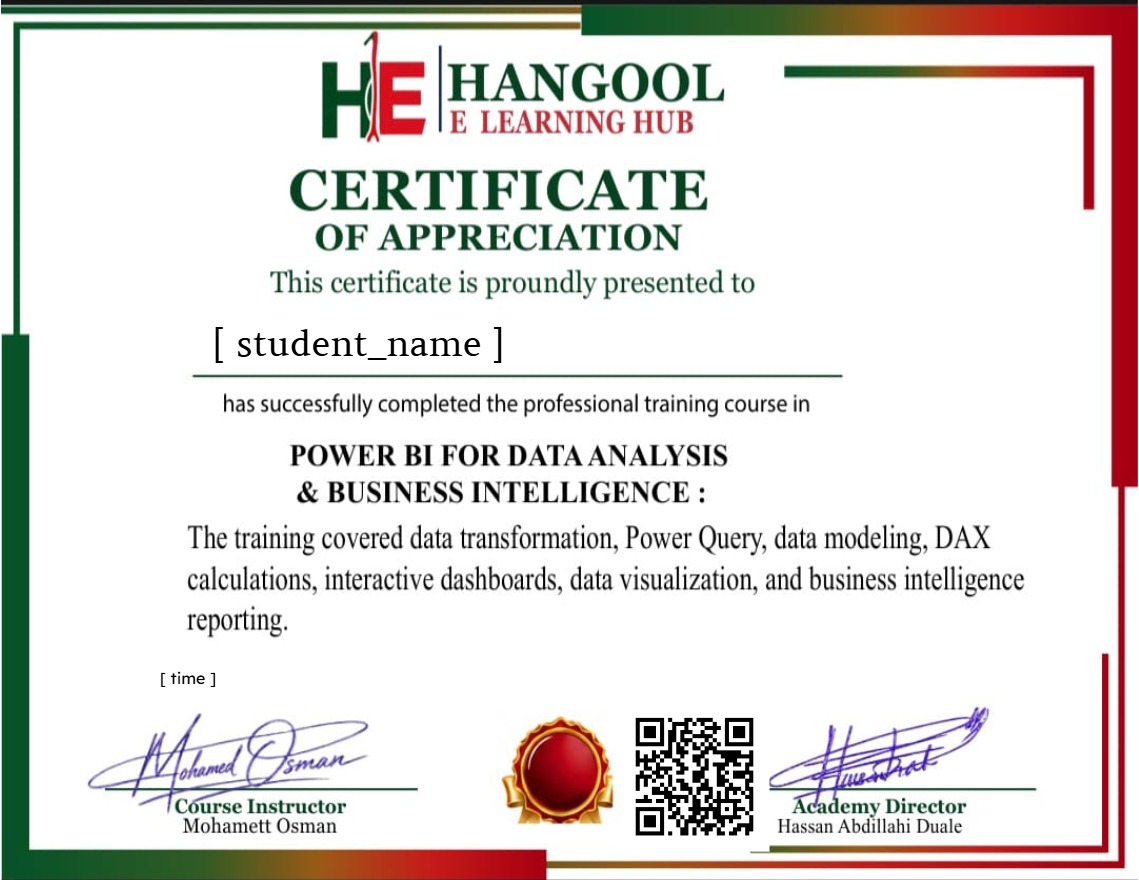
Earn a certificate
Add this certificate to your resume to demonstrate your skills & increase your chances of getting noticed.